
What's new.
Recent improvements, in plain words. Tap any item to see it.
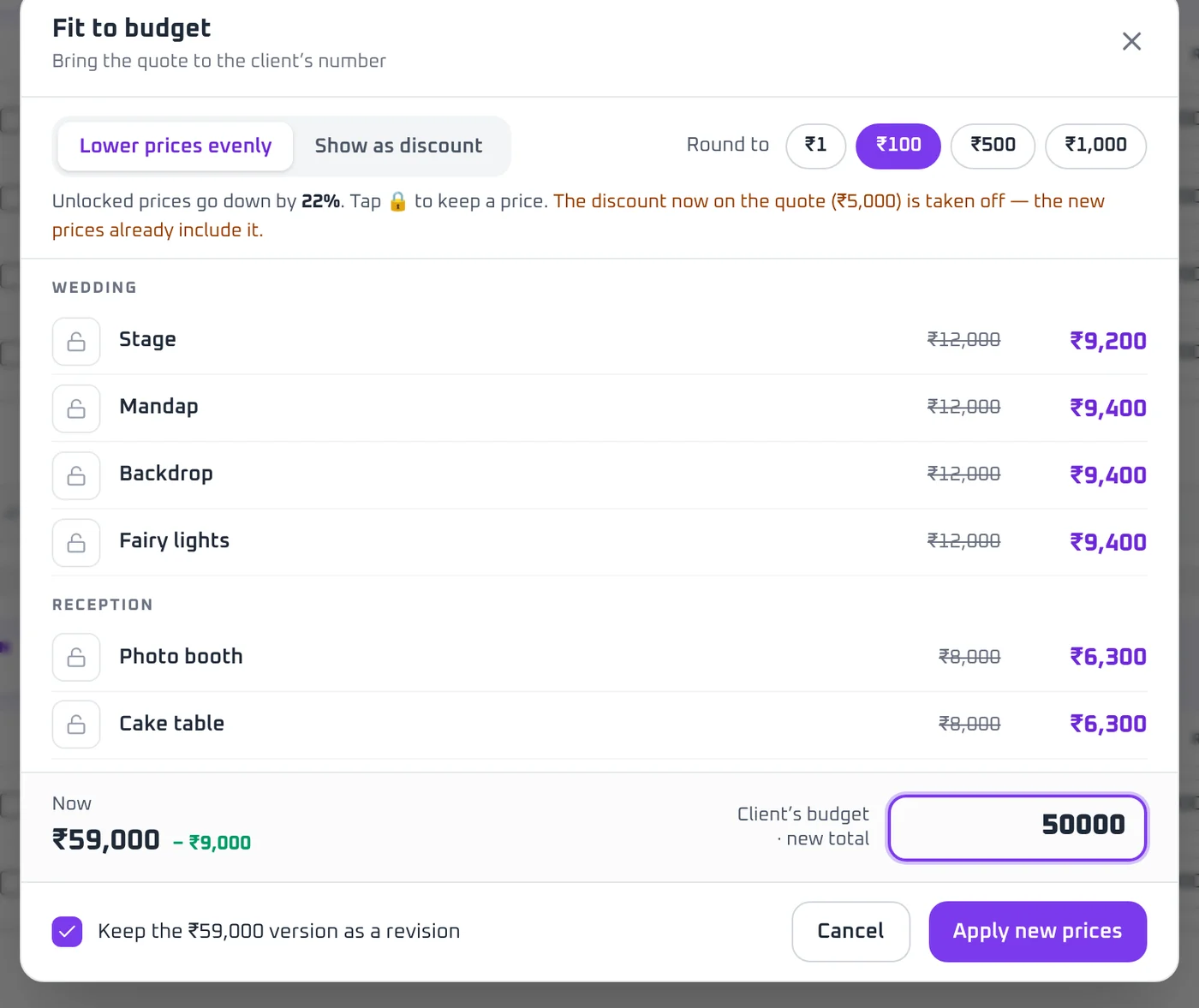
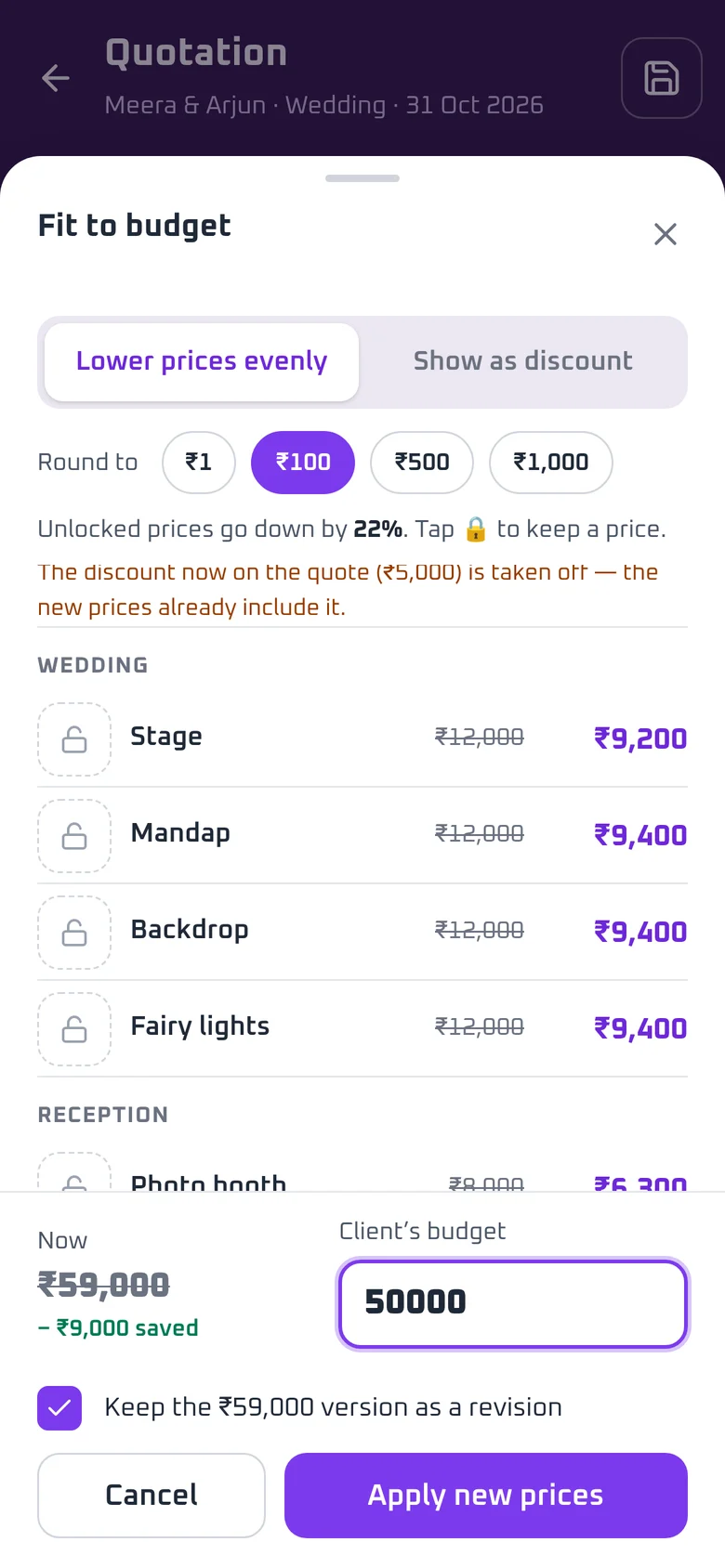
Fit to budget.
The client has a number in mind. Type it, and the quote comes to that number.
Also in this release.
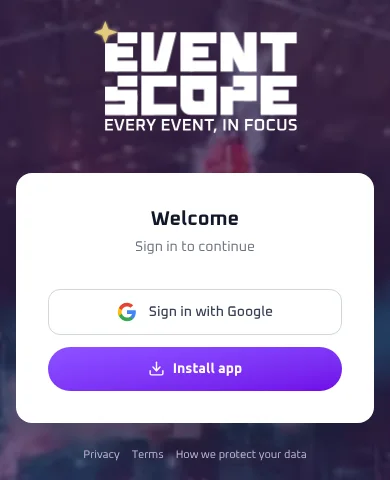
NewInstall app buttonPut EventScope on your phone with one tap.
On Android, tap Install app on the sign-in screen or Home and it installs in one tap. On iPhone, the same button shows the three steps to add it to your home screen.
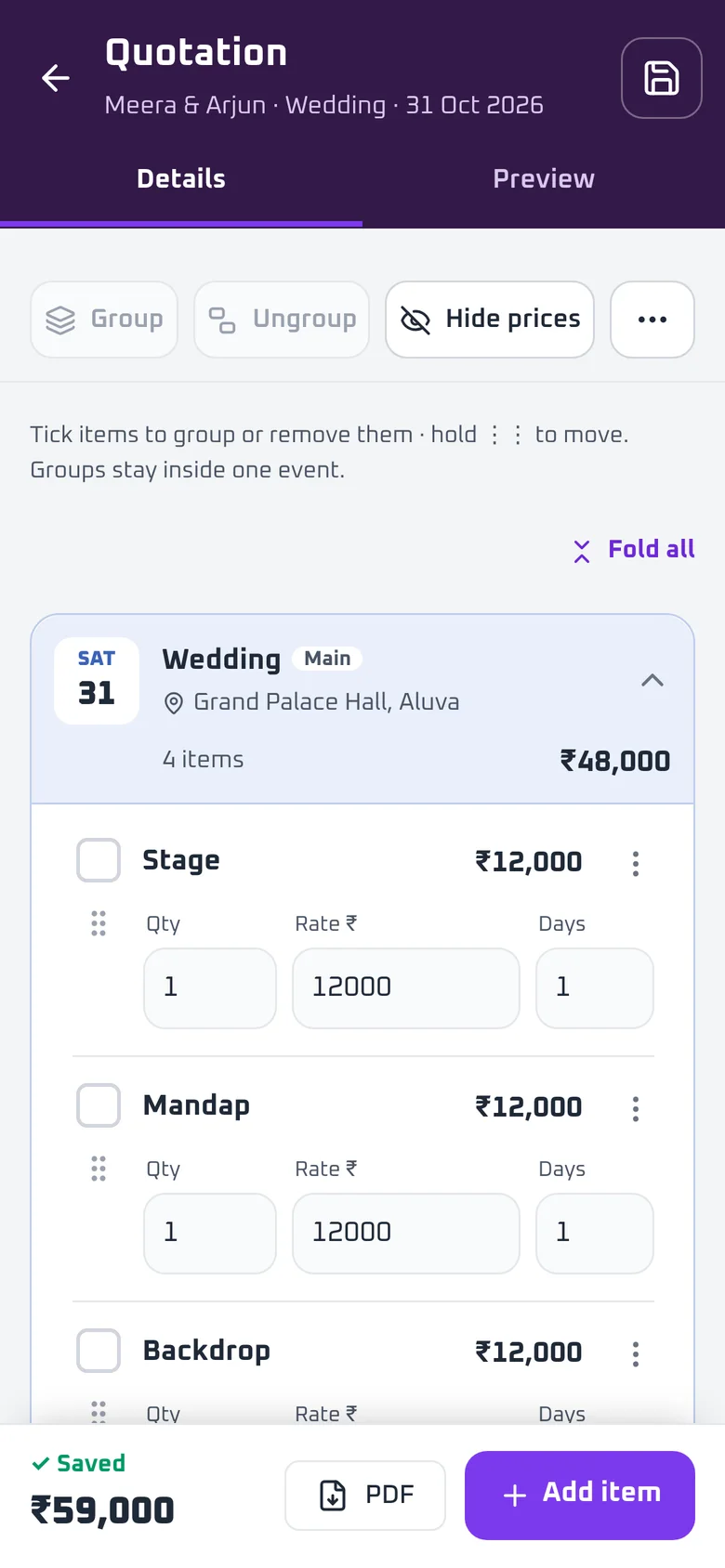
NewHide pricesShow the client one amount per section, not every item price.
Switch on Hide prices and the quote shows only a final amount for each function. Type the amount you want the client to see. Your item prices stay safe in the app.
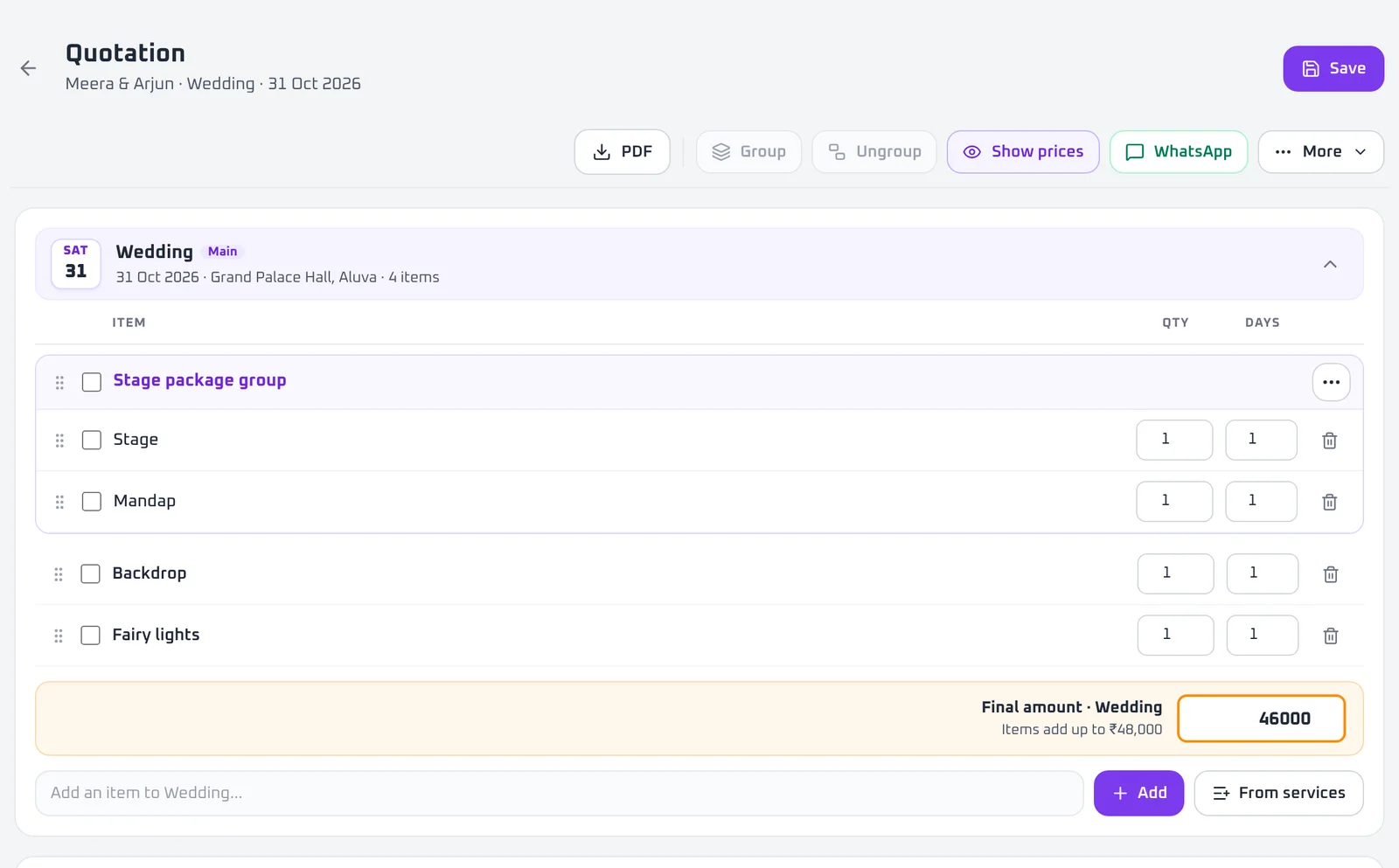
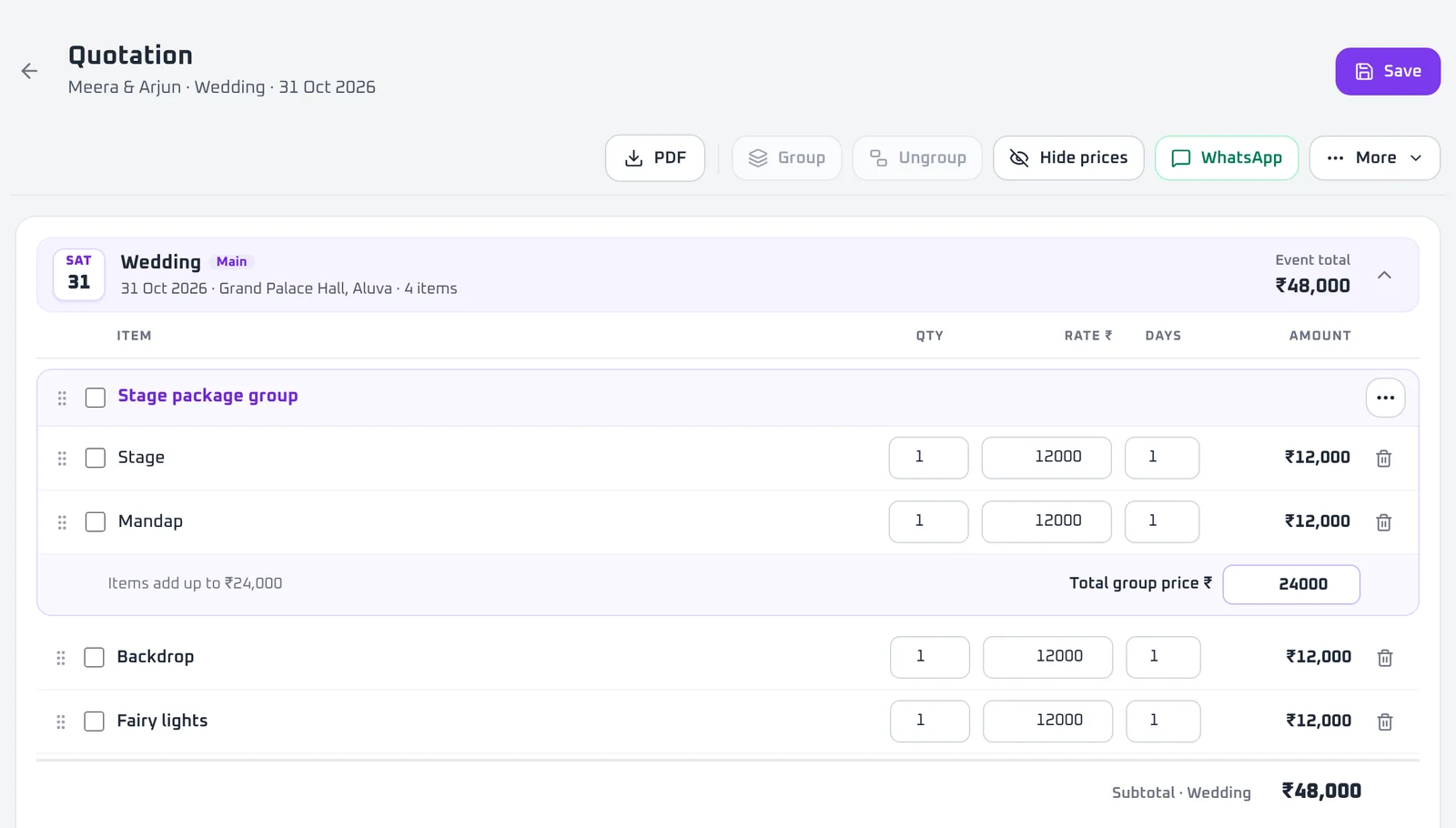
NewGroup and ungroupBundle items into one priced group. Split it back any time.
Tick a few items and make a group, like a stage package, with one price. Ungroup the whole group, or pull out a single item.
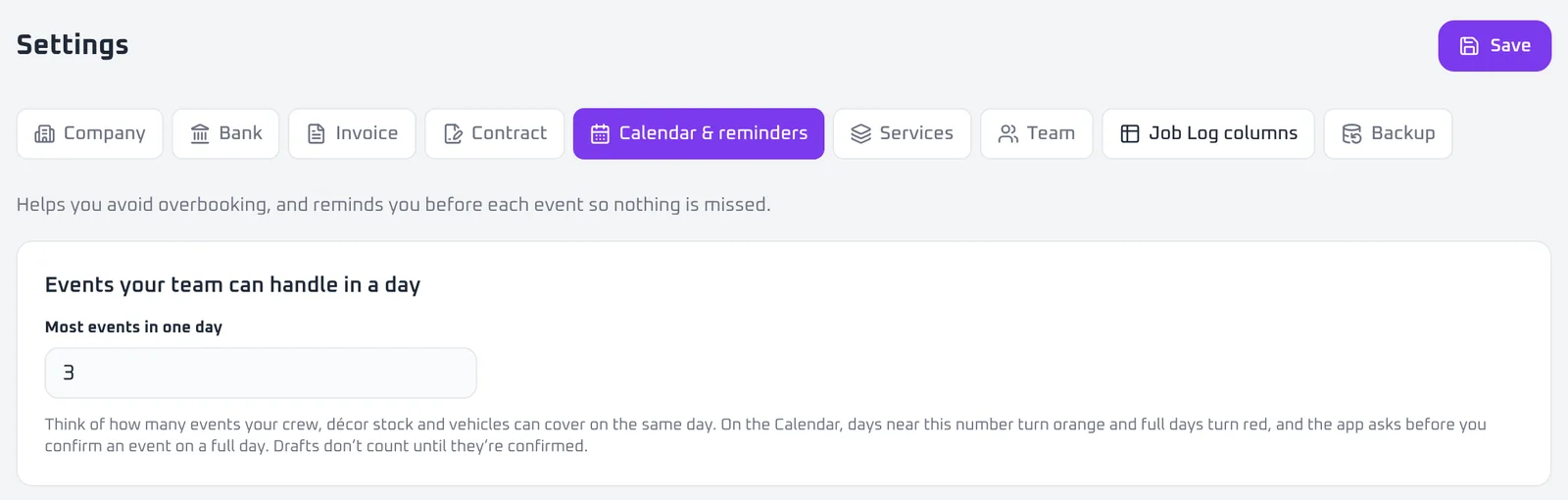
NewEvent limits per daySet how many events you can run in a day.
Choose the most events your crew can handle. Days near the limit turn orange, full days turn red, and the app asks before you confirm another.
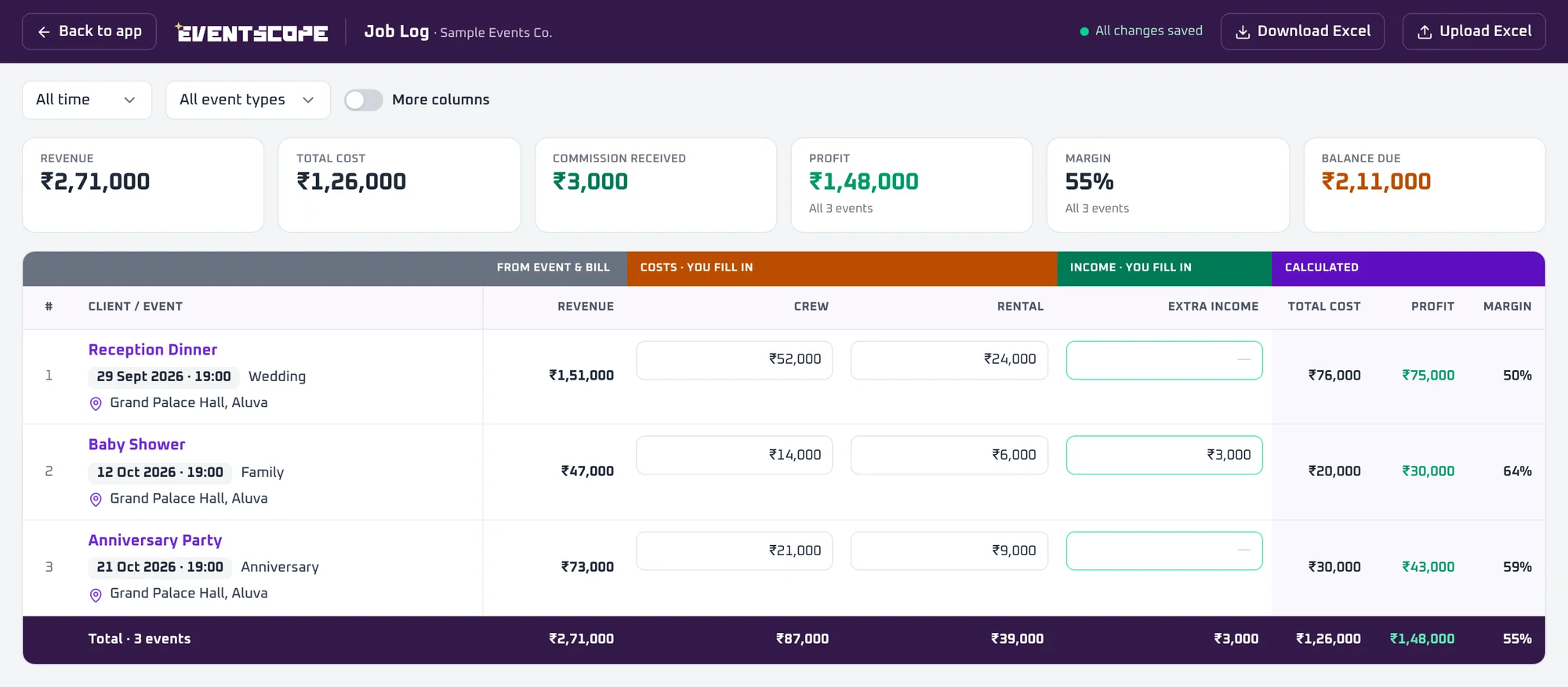
NewJob Log after every eventEnter what each event really cost, and see the true profit.
When an event is done, open its Job Log and enter the costs. You can type sums right in a cost cell. Profit and margin count only events that have costs.
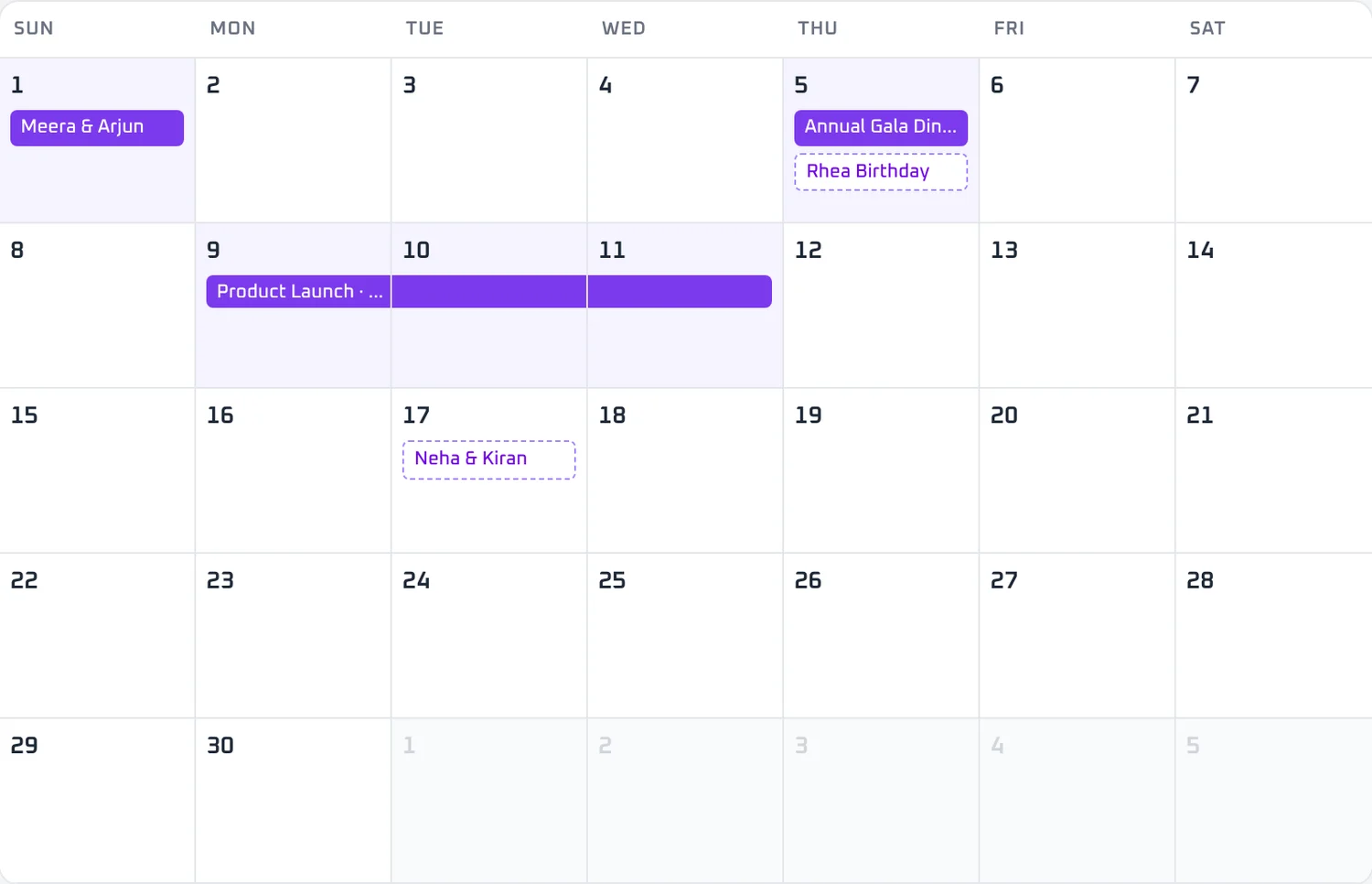
NewMulti-day functionsOne bar across the days on the calendar.
Prices count per day, and reminders cover every day of the function.
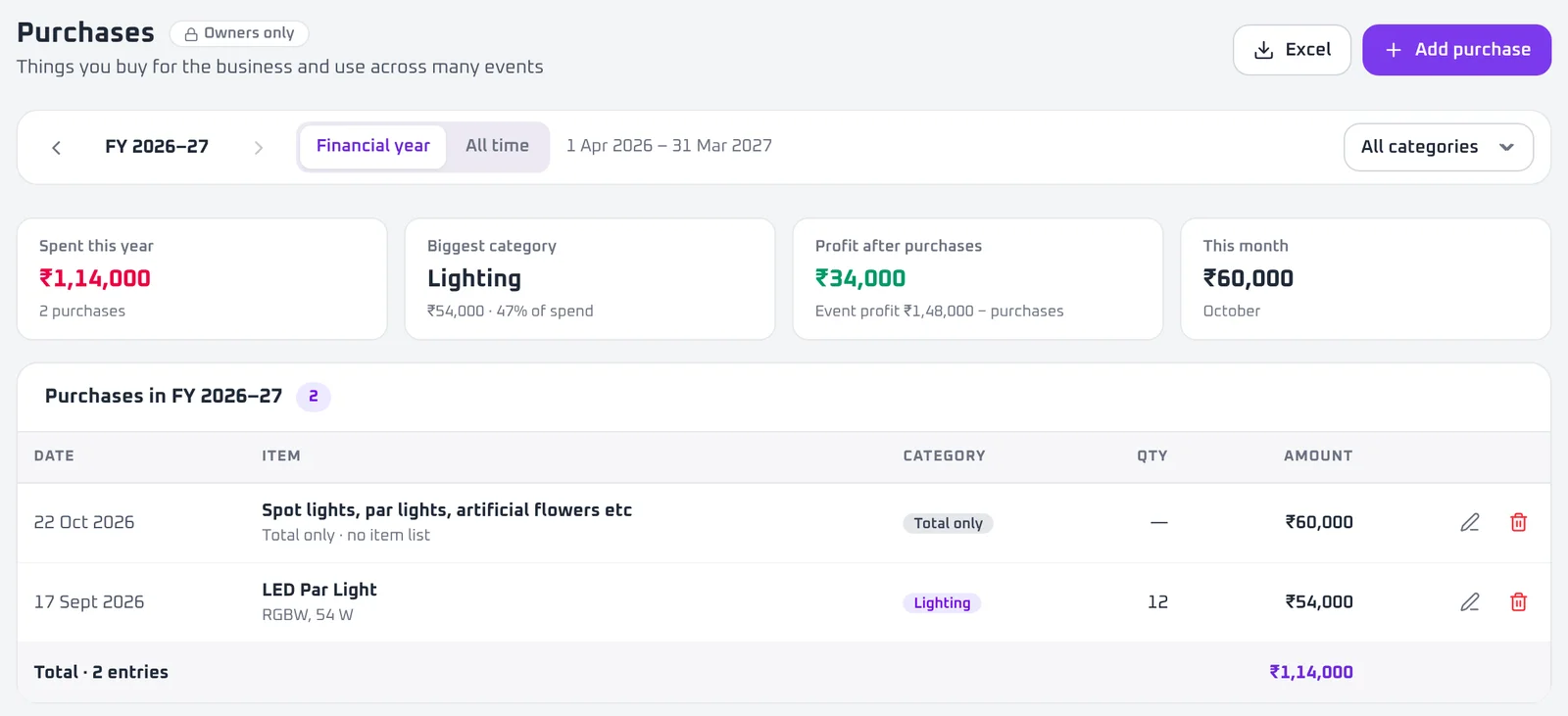
NewPurchasesNote what you buy for the business, by financial year.
Reports shows profit before and after purchases. Download everything as Excel.
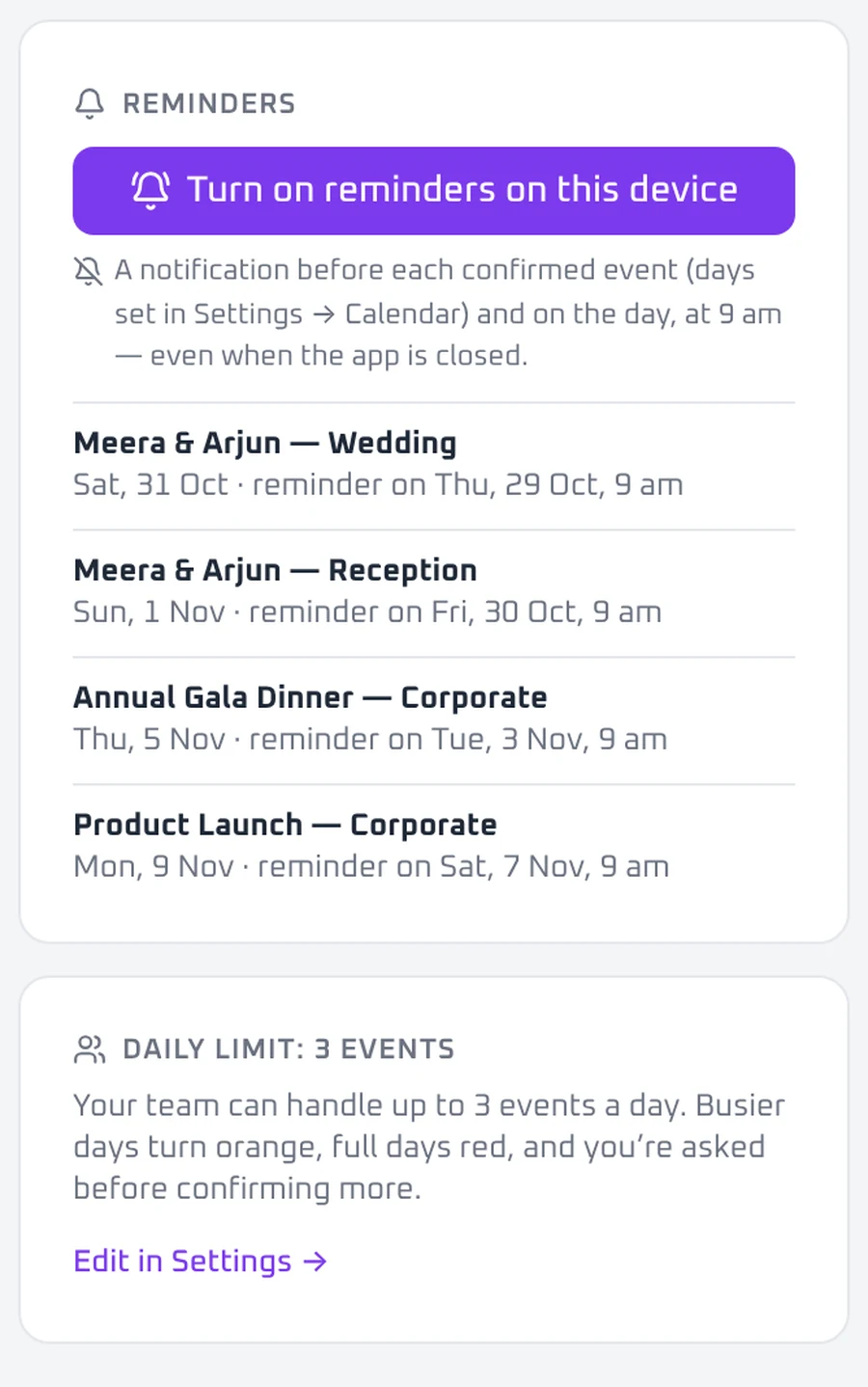
NewReminders for ownersA push notification two days before and on the day of every function.
Turn it on once on each device. You get the reminder even when the app is closed.
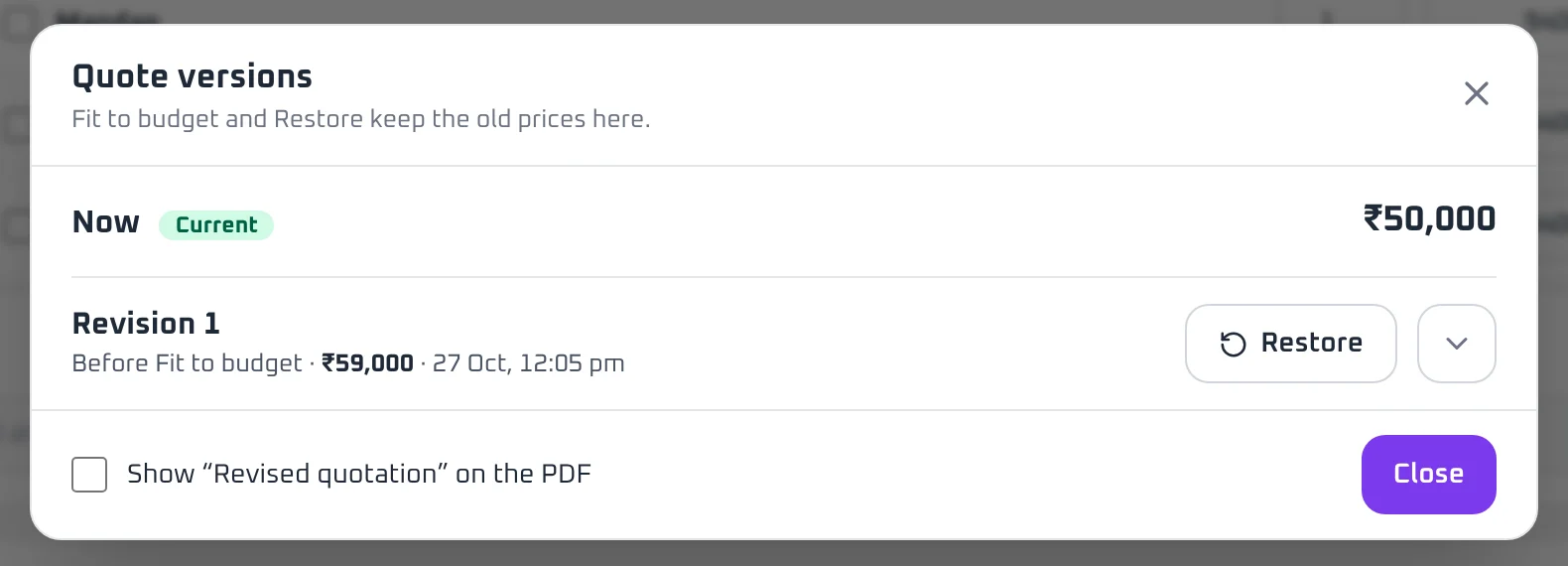
NewQuote versionsOld prices are kept every time you use Fit to budget.
Open Versions to see earlier prices and restore any of them. You can also show "Revised quotation" on the PDF.
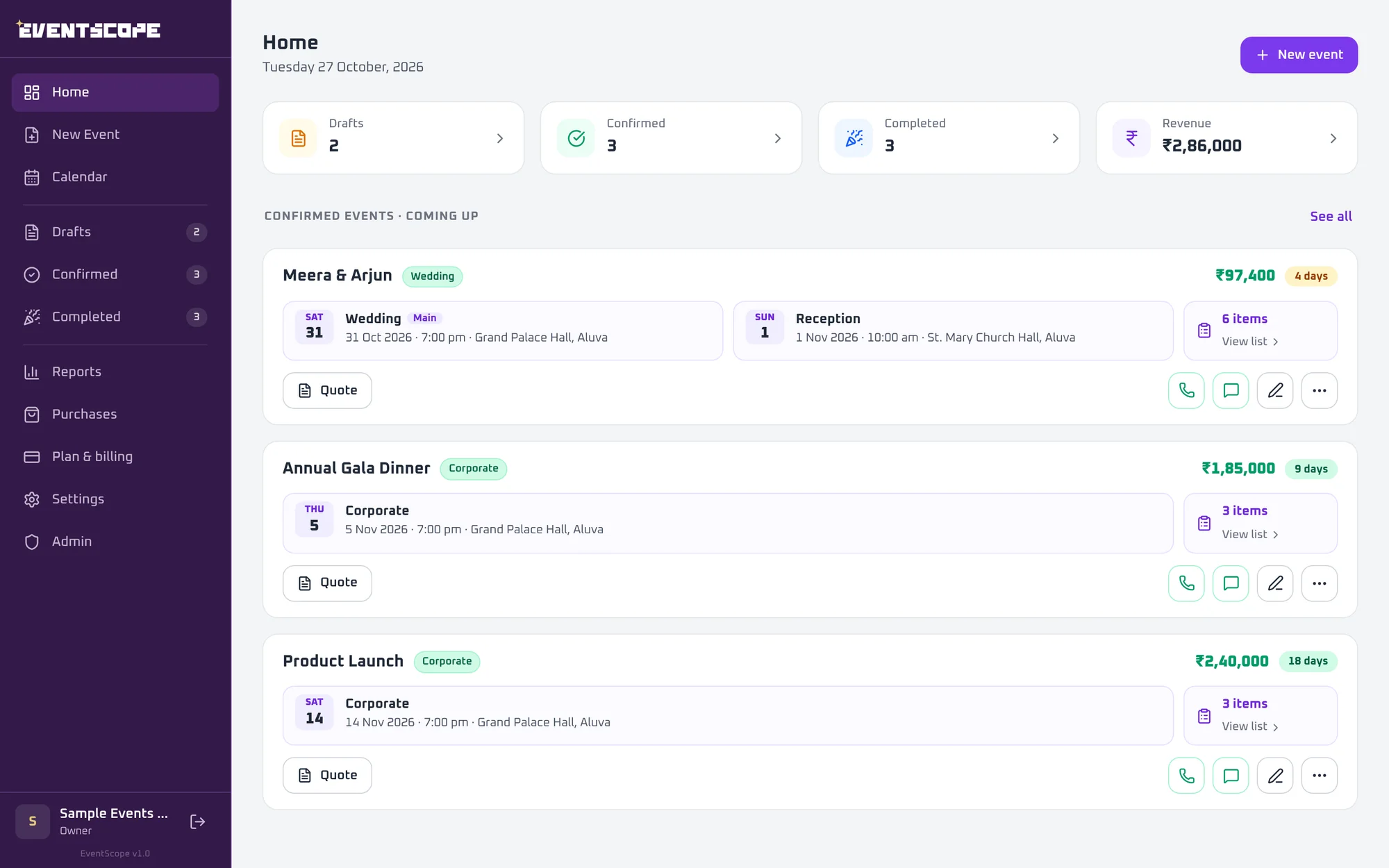
ImprovedA cleaner laptop layoutSame title row on every page.
A New event button at the top right, and a Back to app button on the Job Log.
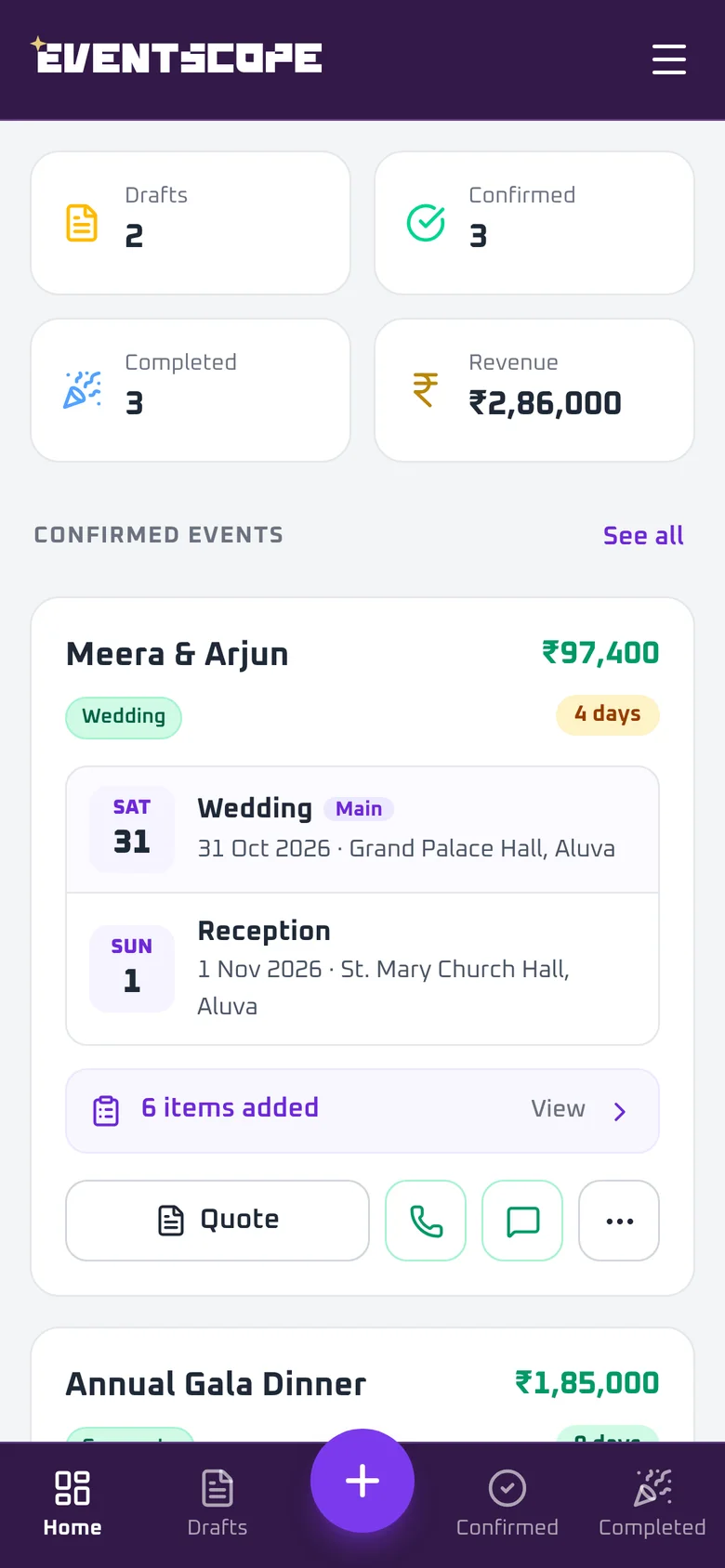
ImprovedA redesigned phone appA faster quote editor, a three-step event form, and a calendar with month and list views.
Made for one hand, on the way to the venue.
ImprovedEasier sign-in on iPhone and AndroidGoogle sign-in now works smoothly at app.eventscope.in.
It also works when you open EventScope from your home screen.